Coworking memberships for coffee shops
Your customers already work from your coffee shop. Let that work for your business.
Turn your regular laptop crowd into paying monthly members. Offer dedicated members' Wi-Fi, manage subscriptions automatically, and create recurring revenue from customers who already use your space.
Call us (888) 302-6831
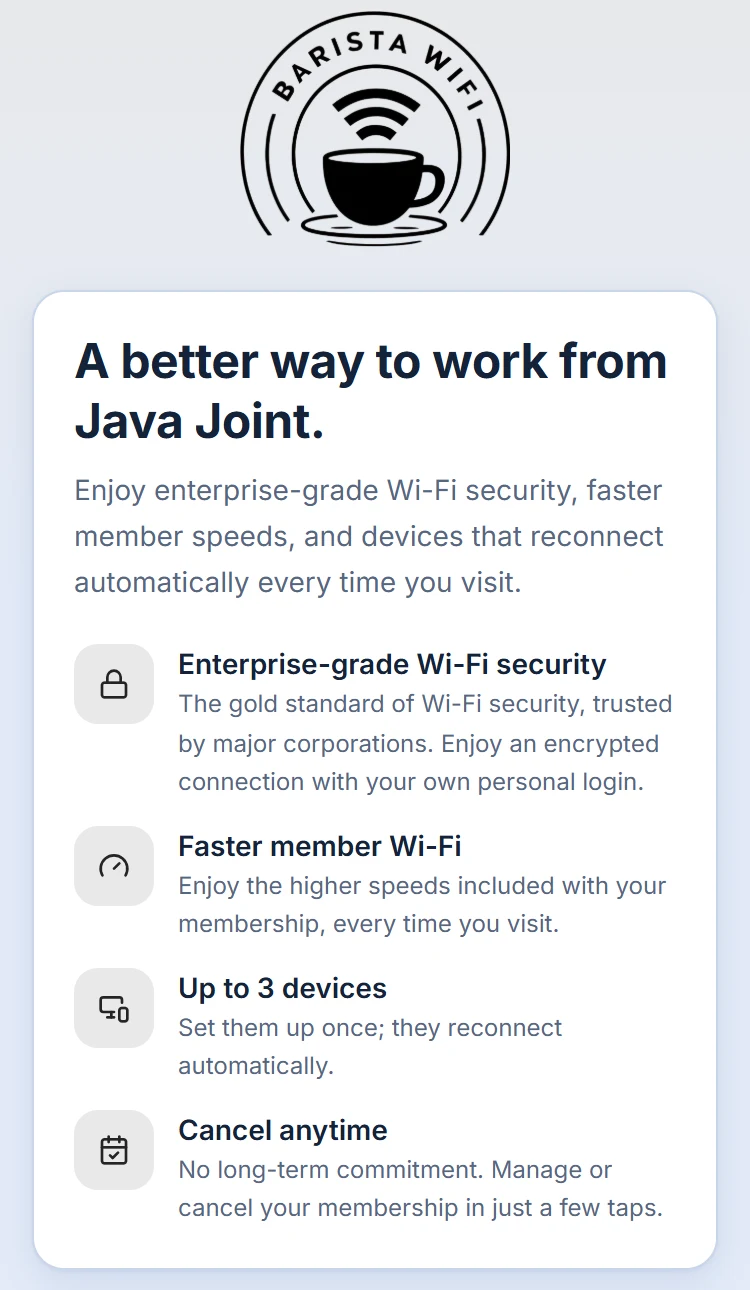
A real join page, shown for our demo café.
The familiar situation
One coffee. One laptop. Four hours.
You know the regular: they order a drink, find the table by the outlet, open a laptop, and settle in for the afternoon. Remote workers, freelancers and students often make up some of your most loyal customers, and they give the room its steady, lived-in buzz.
But long stays add up. At busy times, a table held for hours on one purchase is a table you can't give to someone else, and the Wi-Fi you pay for works all day for a single drink. Some shops set time limits or keep outlets for busy hours, and often for good reason. A membership gives you another option, one that can work alongside whatever already works for your shop.
There's another way to look at it: these customers already treat your shop as their workspace. Some of them would happily pay for that.
A better approach
Turn long visits into monthly revenue. Welcome them as members.
Give your regular remote workers a membership. They get a better place to work; you get recurring revenue from something that's already happening.
Predictable monthly revenue
Members pay every month (or every year, if you offer it), so the people who already spend their working day with you become steady income you can count on.
A real offer for your regulars
Instead of quietly hoping laptop customers order more, you give them something worth signing up for, and a reason to make your shop their place to work.
Their own members-only Wi-Fi
Members get a private, encrypted network in your shop's name, with their own login, separate from your open guest Wi-Fi.
The admin is handled
Sign-ups, renewals, receipts, failed cards, cancellations and device logins all run on their own. No spreadsheet of who has paid.
Your offer, your way
You choose the price, the speed, how many devices each member can connect, and how you describe it. Anything beyond the Wi-Fi is up to you.
A membership covers the members-only Wi-Fi. It doesn't reserve a desk or promise seating, drinks or other perks. If you want to include something extra, you decide what it is and describe it to your members.
How memberships work
From your first plan to your first member.
- 01
You set up your membership
In your dashboard, choose the price (monthly or yearly), the speed, how many devices each member can connect, and any perks you want to list. Connect Stripe so payouts reach your bank.
- 02
We switch on your members Wi-Fi, and you try it first
We turn on your members-only network after closing time, so your guest Wi-Fi isn't interrupted. You get a free test membership to join, get your Wi-Fi password and connect, just like a member would. When everything works, you switch on Open sales. Until then, your join page says “Not open just yet.”
- 03
Customers join
Regulars sign up on a join page in your shop's look, from a link on your Wi-Fi sign-in page or a printed QR table tent, and pay by card.
- 04
Members get their own Wi-Fi and member page
Each member's Wi-Fi password is created for them when they join. Their member page shows it, with simple setup guides for iPhone, iPad, Mac, Android and Windows. After the first time, their devices reconnect on their own.
- 05
Billing runs itself
Renewals, receipts and failed-card retries happen automatically. Members can update their card or cancel from their member page, and keep access until the end of the time they've paid for.
- 06
You see it all in your dashboard
The Memberships page shows your plans, your members and the money coming in. Change a plan's price for new members, or move current members to a new price with at least 30 days' email notice, always at their renewal. Stop selling a plan, or cancel or refund a member, from the same place.
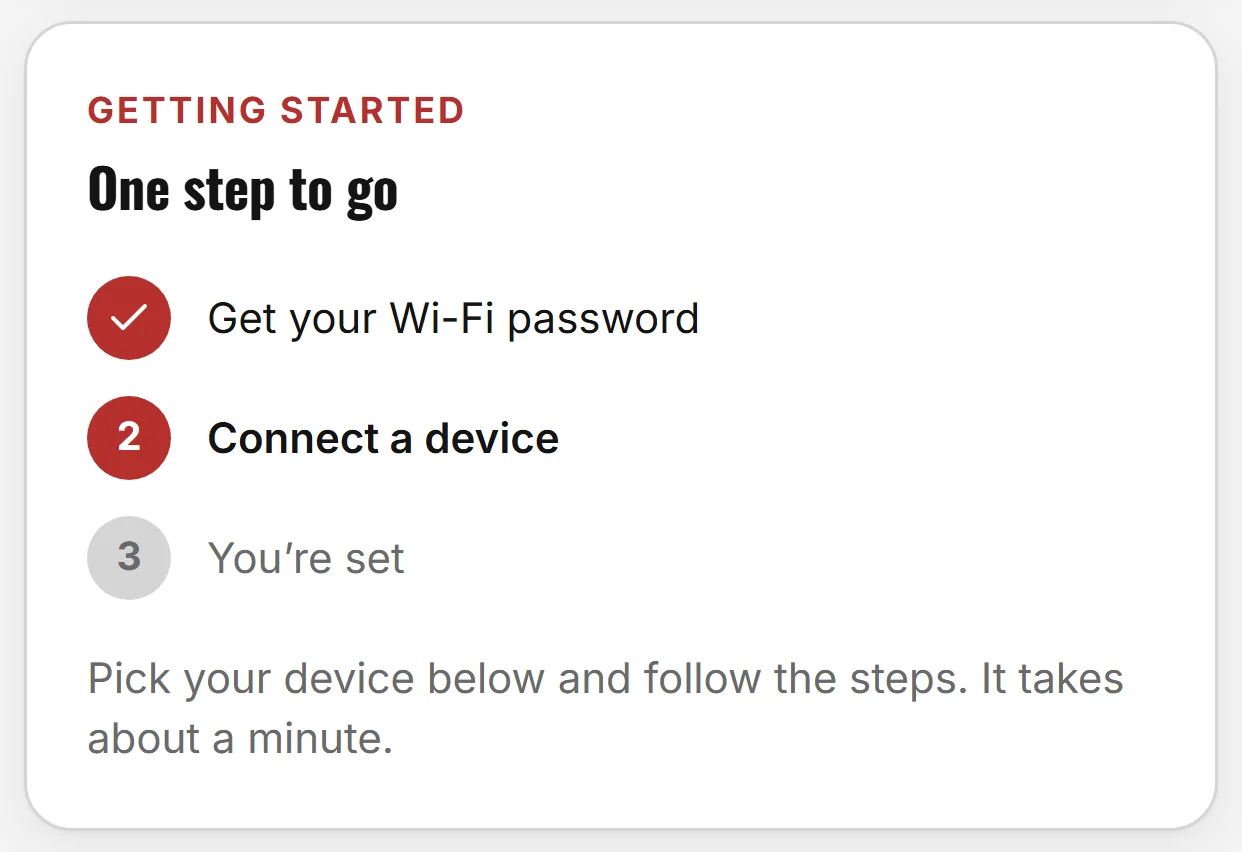
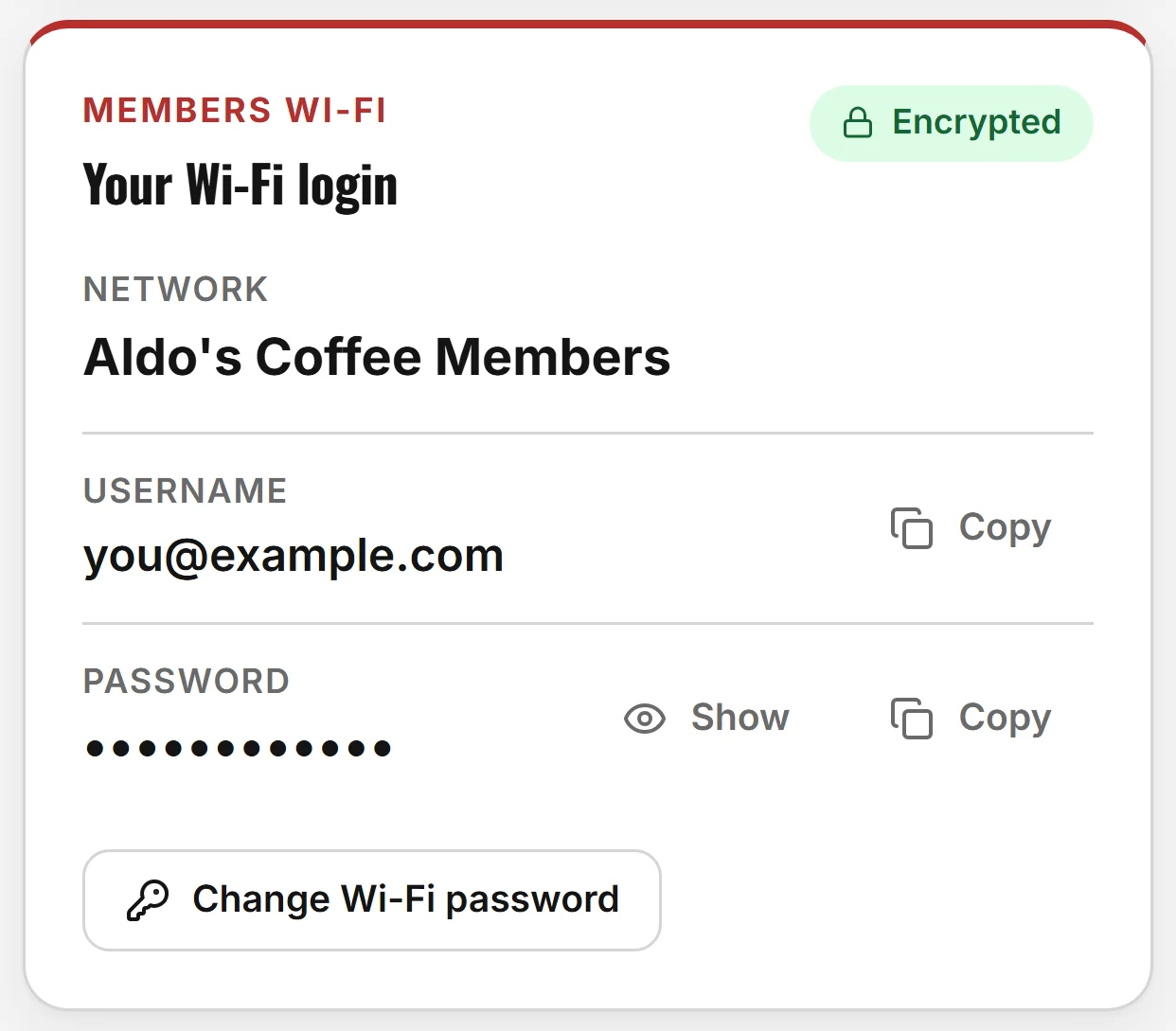
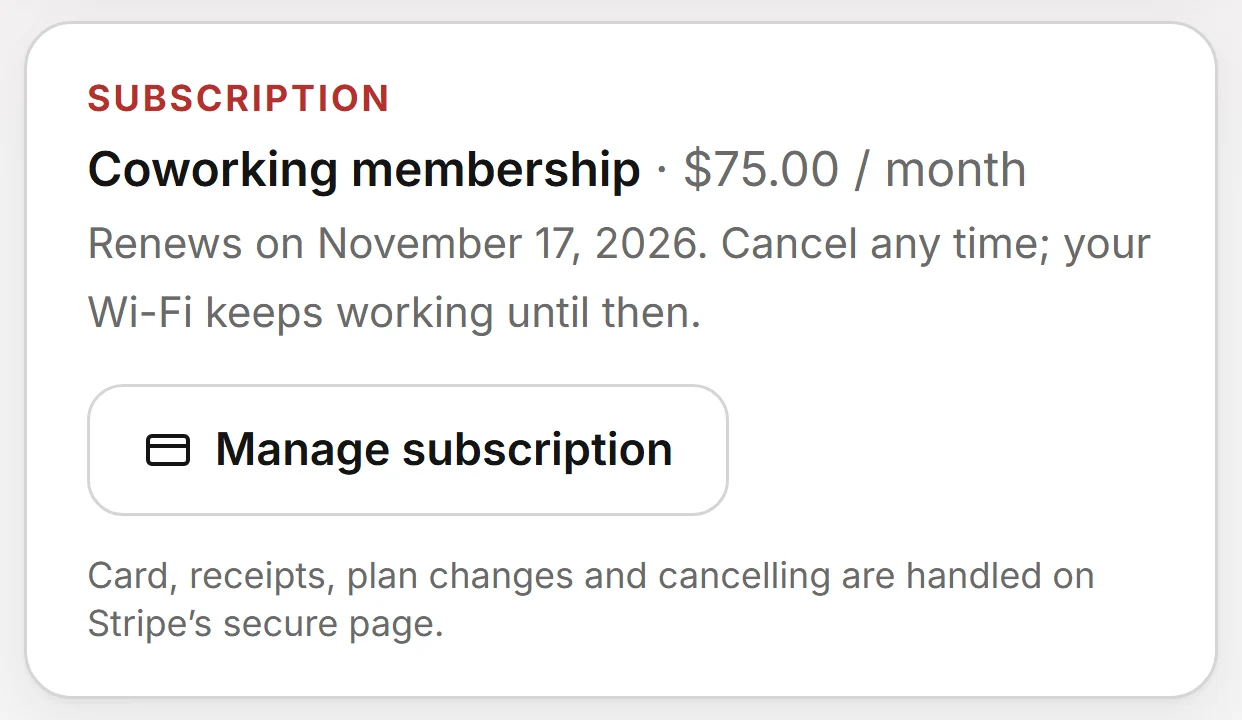
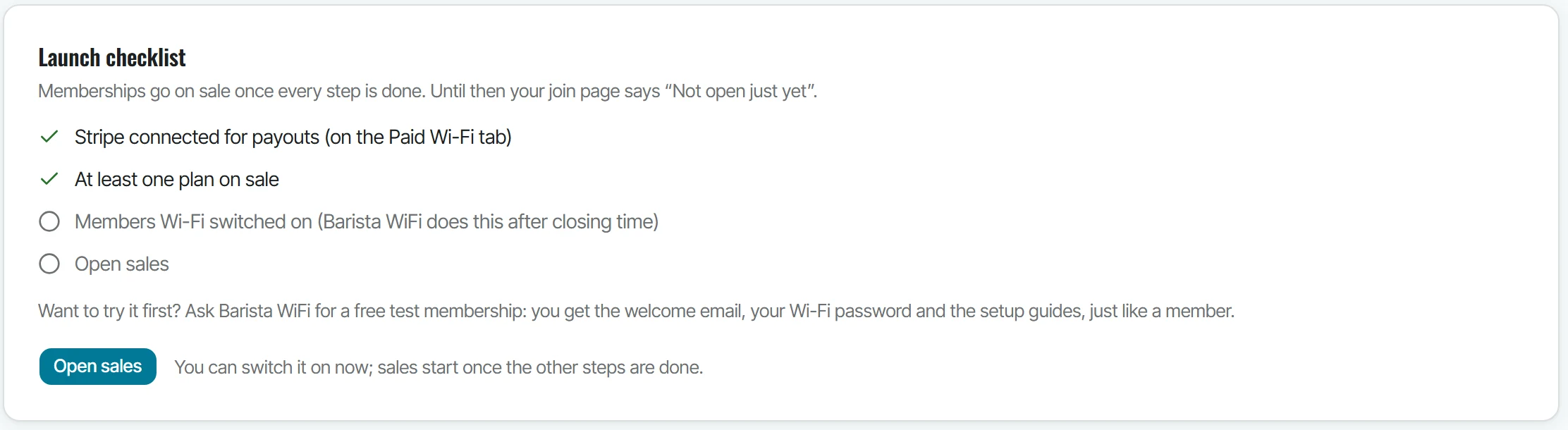
Designed around your coffee shop
It looks like your shop, because it is.
Your members never land on a generic billing page. The join page, member page and device guides use your logo, colors and fonts, the same branding you set for your Wi-Fi sign-in page.
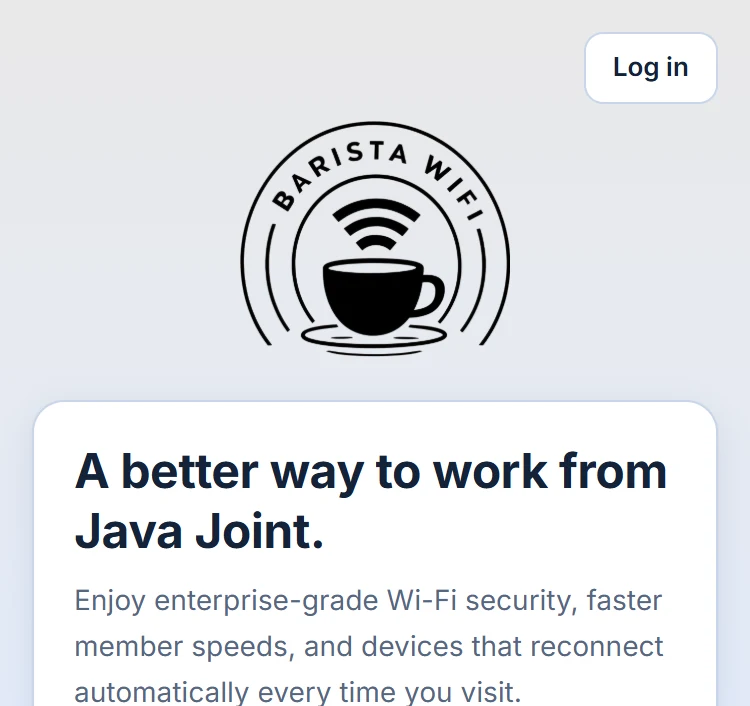
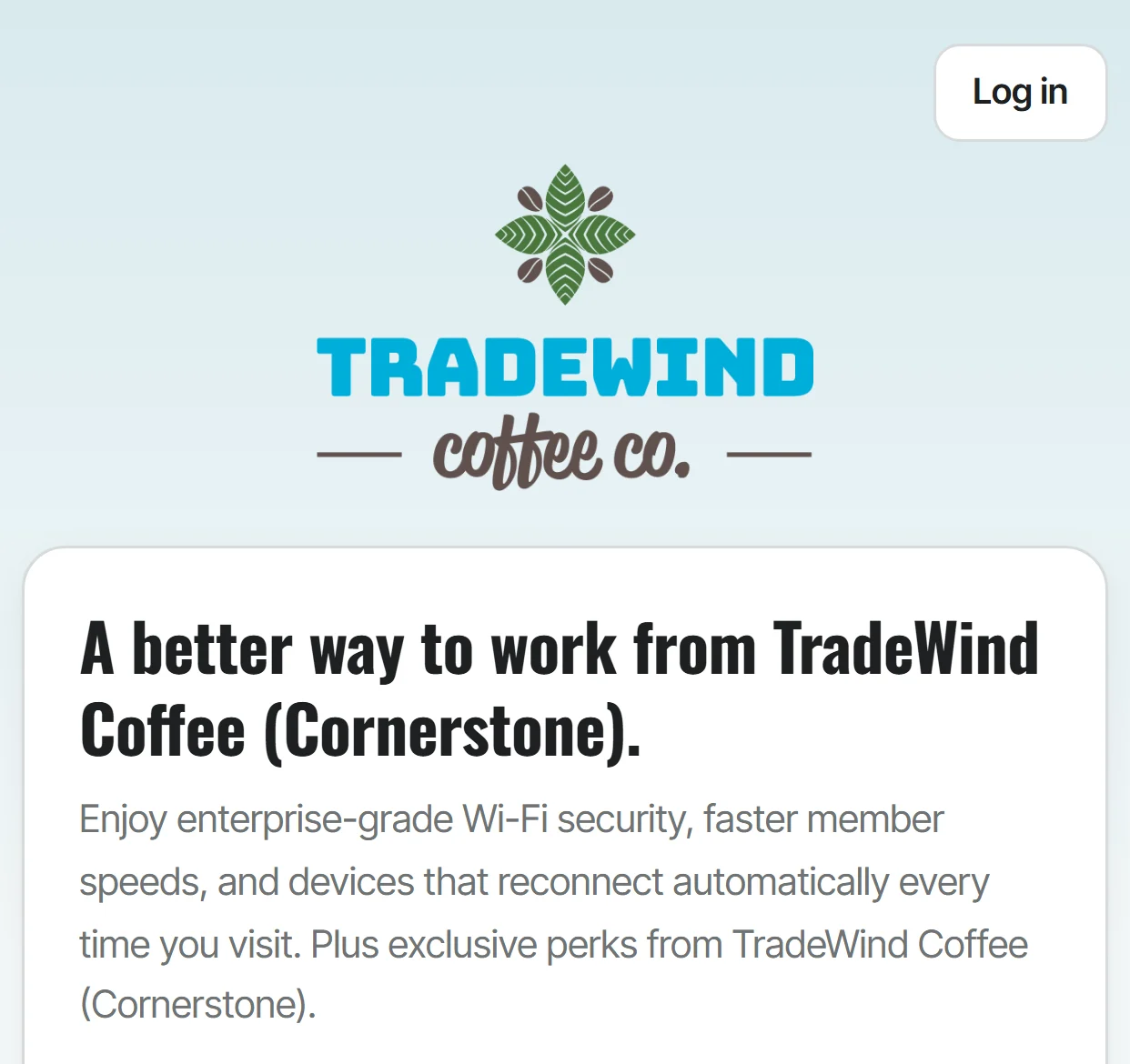
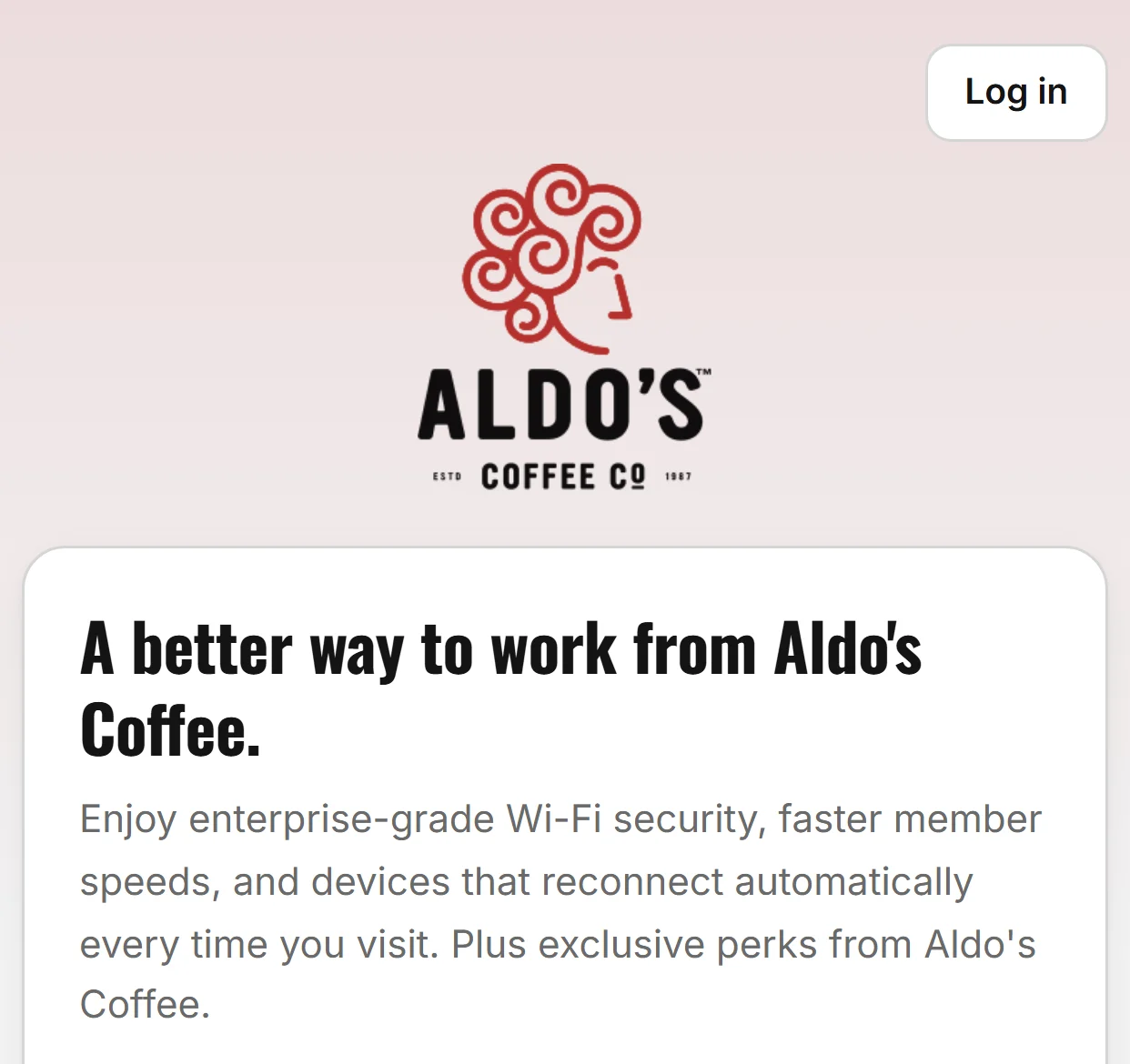
Illustrative examples: the same join page in our standard look and in two test themes built from real coffee-shop brands. They show what the branding can do; they aren't customer endorsements.
Every coffee shop is different
Let's work out what fits yours.
We'll help you explore a membership offering that fits your space, your customers, and your business, and talk through the commercial details on the call.
Common questions
Coworking membership questions.
Looking for guest Wi-Fi marketing instead? See all features.
Let's see whether memberships make sense for your coffee shop.
Book a personal demonstration. We'll show you the member experience, explain how it works, and discuss an approach for your shop.